
Dell Display Manager is a Microsoft Windows application used to manage a monitor or a group of monitors.
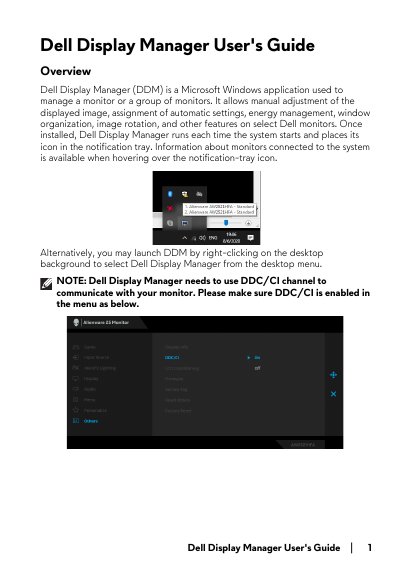
Dell Display Manager (DDM) is a Microsoft Windows application designed to manage one or multiple Dell monitors. It allows users to manually adjust image settings, assign automatic modes based on active applications, and organize windows using Easy Arrange layouts. The software runs in the background and provides quick access to features via a notification tray icon.
No, DDM only works with Dell branded monitors.
The shortcut is Ctrl+Shift+D.
Yes, you can select 'Span multiple monitors' to apply the layout across all monitors as one desktop.