
Dell Display Manager is a Windows application used to manage a monitor or a group of monitors.
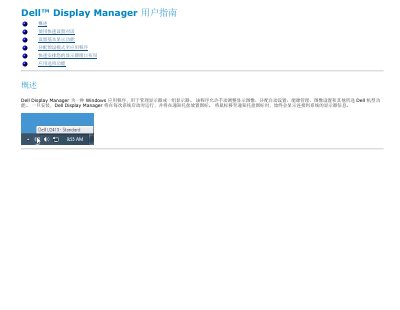
Dell Display Manager is a Windows application used to manage a monitor or a group of monitors. Once installed, it runs at every system startup and places an icon in the notification tray, where moving the mouse displays information about connected monitors.
The Quick Settings dialog lets users adjust brightness and contrast, select preset modes, change screen resolution, and arrange window layouts. The software also supports automatic presets for specific applications, Easy Arrange on supported Dell models, and options such as PowerNap and Smart Video Enhancement. This manual is written in Chinese.
| Operating system | Windows |
|---|---|
| Startup behavior | Runs at every system startup |
It runs automatically at every system startup and places an icon in the notification tray.
Users can adjust monitor brightness and contrast, choose preset modes, change screen resolution, and arrange window layouts.
It provides energy savings by setting brightness to the lowest level or putting the monitor to sleep when the screensaver activates.
You can choose “Movie” or “Advanced”.