
The Dell Precision 3520 3000 Series Quick Start Guide describes how to connect the power adapter, finish operating system setup, connect to a network, and sign in to Windows 10.
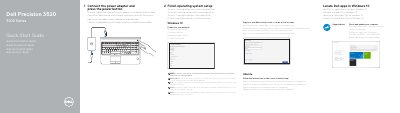
This document serves as a multilingual quick start guide for the Dell Precision 3520 3000 Series mobile workstation. It provides initial setup instructions in English, French, Italian, Portuguese, and Spanish, guiding users to connect the power adapter, configure the operating system (Windows 10, Ubuntu), and locate Dell applications. A specific note is included regarding the entry of passwords for secured wireless networks during the setup process.
You must connect the power adapter and press the power button.
Enter the password for the wireless network access when prompted.
Follow the instructions on the screen to finish setup.