
Dell Display Manager is a Windows application used to manage a monitor or group of monitors. It can manually adjust the displayed image, specify automatic settings values, power management, image rotation and other features for selected Dell models.
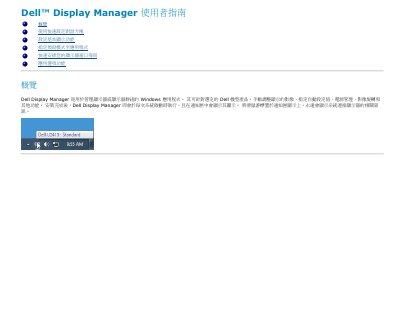
Dell Display Manager 是用于管理显示器或显示器组的 Windows 应用程序,可针对选定的 Dell 机型产品手动调整显示图像、指定自动设置值、电源管理、图像旋转等功能。安装完成后,Dell Display Manager 会在每次系统启动时自动运行,并在通知栏中显示其图标。 用户可通过通知栏图标打开“快速设置”对话框,调整亮度、对比度、默认模式、分辨率、窗口布局等,并可访问高级功能如自动模式、电源管理及视频增强选项。 This manual is written in Chinese.
您可以通过“基本”标签中的功能表,手动调整选定显示器的“亮度”与“对比”等级。
在“自动模式”标签中,您可以将特定的“默认模式”与指定应用程式产生链接,当启用该应用程式时,Dell Display Manager 会自动切换至对应的“默认模式”。