
Dell Vostro 5370 Quick Start Guide
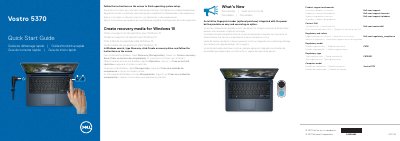
This multilingual quick start guide helps finish operating system setup and identifies the features and ports of the Dell Vostro 5370. It notes an optional fingerprint reader integrated with the power button and explains how to create Windows 10 recovery media.
The guide also lists regulatory model P87G, regulatory type P87G001, and computer model Vostro 5370, along with product support, manuals, contact, and regulatory and safety information.
| Regulatory model | P87G |
|---|---|
| Regulatory type | P87G001 |
| Computer model | Vostro 5370 |
In Windows search, type Recovery, click Create a recovery drive, and follow the instructions on the screen.
An intuitive fingerprint reader is an optional purchase integrated with the power button.
The regulatory model is P87G.