
The Dell Chromebook 11 Quick Start Guide provides instructions on how to connect the power adapter, finish Chromebook setup, register your Chromebook, and explore resources.
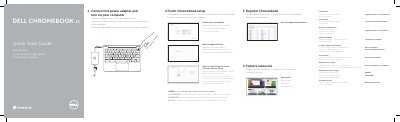
This Quick Start Guide is for the Dell Chromebook 11 and covers the first steps after unboxing, including connecting the power adapter and turning on the computer.
It also describes Chromebook setup, network connection, Google account sign-in, registration, and support resources, and includes a numbered diagram of the computer's features.
| Regulatory model | CYXWJ A00 |
|---|---|
| Input voltage | 90 VAC–240 VAC |
| Input current max | 1,7 A/90 VAC |
| Input frequency | 50 Hz–60 Hz |
| Output current | 3,34 A |
The computer model is Dell Chromebook 11.
The computer restarts after the Google update.
The regulatory model number is CB1C13 CB1C13001.