
Dell Vostro 15 3000 Series Laptop Quick Start Guide
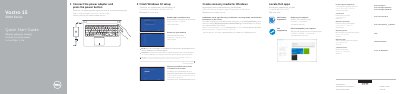
This guide helps you quickly set up your Dell Vostro 15-3558/3559 laptop. Connect the power adapter, complete Windows 10 setup, connect to your network, sign in to your Microsoft account or create a local account, and create recovery media. It also lists hardware features and shortcut keys for immediate use.
The guide includes diagrams and multilingual instructions for connecting peripherals, adjusting brightness, and using built-in features like the camera, microphone, and touchpad.
Enter the password for the wireless network access when prompted.
In Windows search, type Recovery, click Create a recovery media, and follow the instructions on the screen.
Features include microphone, camera, touchpad, USB 2.0/3.0 ports, VGA connector, network connector, battery, and memory-card reader.