
The Dell EMC PowerEdge R440 Getting Started Guide describes the features and characteristics of the product.
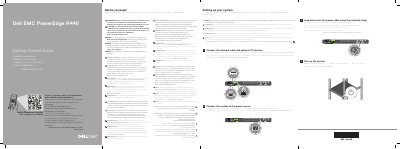
This multilingual Getting Started Guide is for the Dell EMC PowerEdge R440 server. It provides setup instructions in English, French, German, Russian, Spanish, and Hebrew, and directs users to Dell.com/poweredgemanuals for the full documentation set.
The guide covers connecting the system to a power source, attaching the network cable and optional I/O devices, looping and securing the power cable, and turning on the system. It also includes safety warnings, EPP power supply requirements, and a reminder to install the operating system before adding hardware or software not purchased with the system.
| Power supply requirement | Extended Power Performance (EPP) compliant power supply units (PSUs), indicated by the EPP label |
|---|
The documentation set for the system is available at Dell.com/poweredgemanuals.
Use Extended Power Performance (EPP) compliant power supply units indicated by the EPP label.
Yes, ensure the operating system is installed before installing hardware or software not purchased with the system.