
OptiPlex 3046 Small Form Factor Quick Start Guide
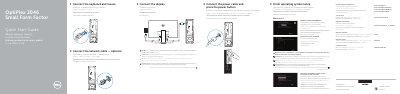
The Dell OptiPlex 3046 Small Form Factor is a desktop computer. This multilingual quick start guide explains how to connect the keyboard, mouse, network cable, power cable, and display, and how to finish operating system setup.
It also lists features such as USB 2.0 and USB 3.0 connectors, HDMI, DisplayPort, optional VGA, network connector, expansion-card slots, and a memory card reader. Dell support, registration, and regulatory information are included at the end.
| USB 2.0 connectors | Present |
|---|---|
| USB 3.0 connectors | Present |
| Memory card reader | Optional |
| VGA connector | Optional |
| Hard-drive activity light | Present |
| Power-supply diagnostic button | Present |
| Power-supply diagnostic light | Present |
Connect the display to the discrete graphics card.
Enter the password for the wireless network access when prompted.
A manual installation of the system drivers is required.