
Dell Latitude 7390 2-in-1 Quick Start Guide
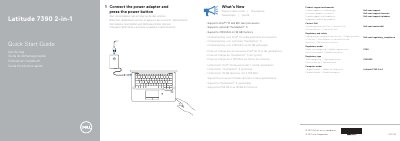
The Dell Latitude 7390 2-in-1 Quick Start Guide provides essential instructions for getting started with the device, including how to connect the power adapter and power on the system.
It details the hardware features of the laptop, such as the various camera options, port layouts, and optional components like the fingerprint reader and NFC sensor.
| Processor Support | Intel 7th and 8th Gen |
|---|---|
| Memory Support | 2133 MHz on 16 GB |
| Connectivity | Thunderbolt 3 (optional) |
Connect the power adapter and press the power button.
Connect the power adapter and then press the power button.
It supports 2133 MHz on 16 GB memory.