
Dell Latitude 3390 2-in-1 Quick Start Guide
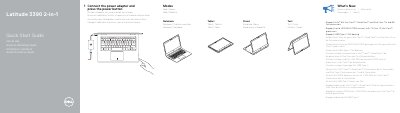
This document serves as a multilingual quick start guide for the Dell Latitude 3390 2-in-1 laptop. It provides essential setup instructions, including connecting the power adapter and pressing the power button to switch between Notebook and Tablet modes. The guide highlights key hardware features such as the infrared camera, microphones, various ports including USB Type-C, and the service tag label.
| Supported Processors | Intel 8th Gen Core i Quad Core and Dual Core 7th and 6th Gen |
|---|---|
| Memory Support | Up to 2400 MHz DDR4 |
| Docking Support | USB Type-C Dell docking |
Connect the power adapter and press the power button.
Product support and manuals are available at Dell.com/support.