
This document describes how to use the hardware and software of a Dell computer.
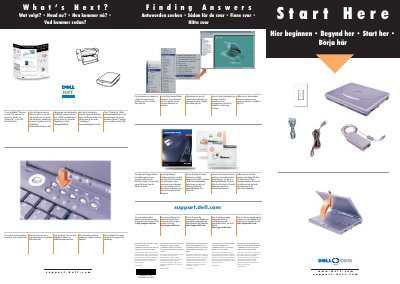
This short Dell setup leaflet gives first-start instructions for a computer with a touch pad, including pressing the power button and following the on-screen Windows setup prompts.
It also shows how to connect the AC adapter, network cable, internal modem, or PC Card modem, and points to Dell support resources and the Dell Solutions Guide for further help.
Press the power button to turn on the computer.
Press a key when prompted.
No. Do not connect a telephone cable to the network connector.
See the Dell Solutions Guide.