
Dell Chromebook 11 3180 Quick Start Guide

The Chromebook 11 3180 Quick Start Guide provides information on how to connect the power adapter, finish Chromebook setup, register your Chromebook, and get support.
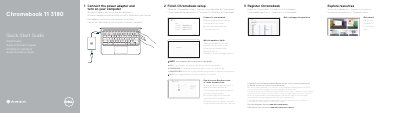

Dell Chromebook 11 3180 Quick Start Guide - cover page
Brand
DELL
Document type
Quick Start Guide
Language
English
Pages
2
File format
PDF
File size
558 KB
Published
24 November, 2023
Updated
24 November, 2023
MD5 checksum
668671D9FD0D1DB6729937E28B4BB6BD

About this manual

This guide helps you set up your Dell Chromebook 11 3180 quickly. Connect the power adapter, complete the Google setup, and connect to your network. The guide also lists the device’s features, including camera, microphone, touchpad, USB ports, and more. Support resources and warranty information are provided for further assistance.

What's inside

  • Connect the power adapter and turn on your computer
  • Finish Chromebook setup
  • Register Chromebook
  • Features
  • Support and warranty

Frequently asked questions

How do I start setting up the Chromebook?

Connect the power adapter and turn on the computer.

What should I do after connecting to the network?

Wait for the update to finish.

What happens after the Google update?

The computer restarts.

What USB ports are listed for the Chromebook?

USB 3.0 ports.

Download PDF (558 KB)

More DELL Manuals


View all DELL manuals →