
The Dell Latitude 5590 Quick Start Guide introduces the features and specifications of the product.
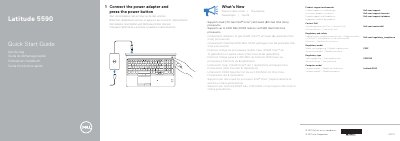
The Dell Latitude 5590 Quick Start Guide provides basic instructions for starting the device, including connecting the power adapter and using the power button.
It includes a detailed map of the laptop's hardware features, such as various USB 3.1 Gen 1 ports, HDMI and VGA ports, and optional components like the fingerprint reader and NFC sensor.
| Processor Support | Dual (7th Gen Intel Core) and Quad (8th Gen Intel Core) |
|---|---|
| Memory Support | Up to 2400 MHz DDR4 |
Connect the power adapter and press the power button.
Connect the power adapter and then press the power button.
The laptop supports up to 2400 MHz DDR4 memory when using 8th Gen Intel Core processors.