
Dell Latitude 7389 Laptop Quick Start Guide

Dell Latitude 7389 Quick Start Guide
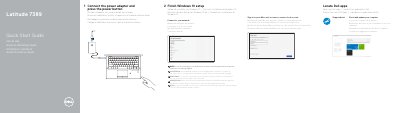

Dell Latitude 7389 Laptop Quick Start Guide - cover page
Brand
DELL
Category
Laptops
Document type
Quick Start Guide
Language
English
Pages
2
File format
PDF
File size
227 KB
Published
24 November, 2023
Updated
24 November, 2023
MD5 checksum
103669E71A1FD494D497F352C17BD8C5

About this manual

The Dell Latitude 7389 Quick Start Guide provides basic instructions for setting up the device, including connecting power, completing Windows 10 setup, and updating the computer via SupportAssist.

It also includes a detailed map of the hardware features, identifying ports, buttons, and optional components such as the IR camera and fingerprint reader.

What's inside

  • Features

Specifications

USB PortsUSB 3.1 Gen 1

Frequently asked questions

How do I start the Dell Latitude 7389?

Connect the power adapter and press the power button.

What should I do to keep the computer updated?

Use SupportAssist to check and update your computer.

Download PDF (227 KB)

More DELL Manuals


View all DELL manuals →