
Dell OptiPlex 5055 Tower Quick Start Guide

Dell OptiPlex 5055 Tower Quick Start Guide
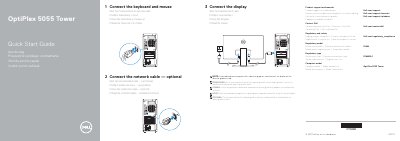

Dell OptiPlex 5055 Tower Quick Start Guide - cover page
Brand
DELL
Category
Desktops
Document type
Quick Start Guide
Language
English
Pages
2
File format
PDF
File size
218 KB
Published
24 November, 2023
Updated
24 November, 2023
MD5 checksum
BCF274A5A95B726C093B4329AB09491F

About this manual

This quick start guide shows how to connect the keyboard and mouse, network cable, display, and power cable on the Dell OptiPlex 5055 Tower. It also identifies chassis features such as ports, bays, and security slots.

Additional sections provide product support and manual links, contact information, regulatory and safety details, and the regulatory model, regulatory type, and computer model.

What's inside

  • Connect the keyboard and mouse
  • Connect the network cable — optional
  • Connect the display
  • Features
  • Connect the power cable and press the power button
  • Product support and manuals
  • Contact Dell
  • Regulatory and safety

Specifications

Regulatory modelD18M
Regulatory typeD18M004
Computer modelOptiPlex 5055 Tower

Frequently asked questions

How do I connect the display if the computer has a discrete graphics card?

Connect the display to the discrete graphics card.

Is connecting the network cable required?

No, connecting the network cable is optional.

What is the regulatory model?

D18M.

What is the computer model?

OptiPlex 5055 Tower.

Download PDF (218 KB)

More DELL Manuals


View all DELL manuals →