
Dell Latitude 5580 Quick Start Guide
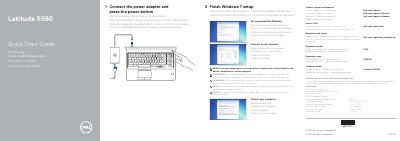
This quick start guide helps users begin using the Dell Latitude 5580 laptop. It outlines connecting the power adapter, completing Windows 7 setup, setting a Windows password, connecting to a network, and protecting the computer.
The guide also identifies the laptop's ports and optional features, provides support and contact information, and lists regulatory, safety, and electrical details.
| Input voltage | 100 V AC-240 V AC |
|---|---|
| Input current (maximum) | 1.7 A / 2.5 A |
| Input frequency | 50 Hz-60 Hz |
| Output voltage | 19.5 V DC |
| Output current | 3.34 A / 4.62 A |
Product support and manuals are available at Dell.com/support and Dell.com/support/manuals.
Connect the power adapter and press the power button.
Enter the password for the wireless network access when prompted.
100 V AC–240 V AC.