
YASKAWA AC Drive Option PROFIBUS-DP Installation Manual
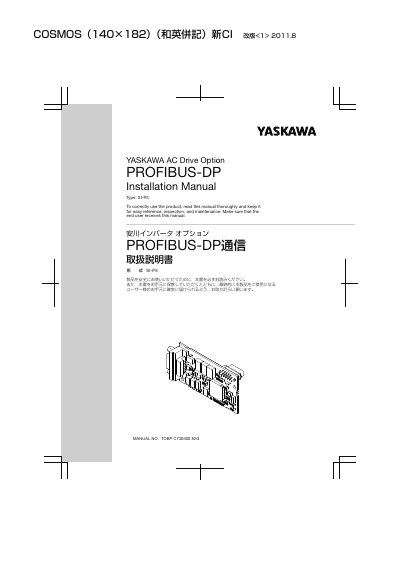
This manual provides installation instructions for the Yaskawa SI-P3 PROFIBUS-DP option, an open digital communication system designed for fast, time-critical applications in process and factory automation. It details the procedure for installing the option on compatible drives, including the GA500 series, which requires a separate mounting kit.
| Model | SI-P3 |
|---|---|
| Data Type | PROFIBUS DP-V0, V1 |
| Connector | 9-pin D-subconnector |
| Communication Speed | 9.6kbps-12Mbps |
| Ambient Temperature | -10°C-+50°C |
| Humidity | Upto95%RH(non-condensing) |
The option is compatible with A1000, U1000, Z1000U, GA500, GA700, GA800, and FP605 drives.
Yes, an option card mounting kit (model JOHB-GA50) is necessary to install the option on a GA500 drive.
No, the option does not have a built-in termination resistor; a switch on the 9-pin D-sub connector must be used to set it.