
YASKAWA SI-N3 Series AC Drive Option DeviceNet Installation Manual
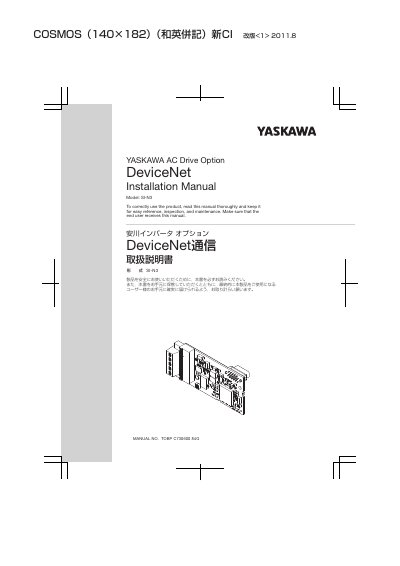
This manual provides installation instructions for the Yaskawa SI-N3 DeviceNet option, which enables communication between the drive and an ODVA DeviceNet network. It details the installation procedure, including mounting on compatible drives like the GA500, and explains how to wire communication cables and termination resistors.
| Supported Messages | Group 2 Server (UCMM capable), Explicit Messages, Polled I/O Messages, Faulted Node Recovery |
|---|---|
| Input Power | 11Vdc-25Vdc |
| Current | 40mA |
| Ambient Temperature | -10°C to +50°C |
| Communications Speed | 125/250/500 kbps |
The option is compatible with A1000, E1000, H1000, L1000A, U1000, Z1000U, GA500, GA700, GA800, FP605, and GA500 drives.
Yes, an option card mounting kit (model JOHB-GA50) is necessary to install the option on a GA500 drive.
The option draws a maximum current of 40mA.