
Quick start guide for Dell computer.
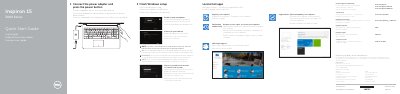
The Dell Inspiron 15-3552 Quick Start Guide provides essential instructions for setting up the computer, including connecting power, completing Windows setup, and connecting to a network.
It includes a detailed map of the device's hardware features, such as ports and buttons, as well as a guide to the keyboard shortcut keys for audio, display, and system control.
| Power Input Voltage | 100 V AC–240 V AC |
|---|---|
| Power Frequency | 50 Hz–60 Hz |
| Power Output Voltage | 19.50 V DC |
| Regulatory Model | P47F |
Connect the power adapter and press the power button.
Enter the password for the wireless network access when prompted.
It has 2 USB 2.0 ports.
In the battery bay.