
The Dell Latitude 11 Education Series Quick Start Guide provides instructions on how to connect the power adapter, finish Windows setup, enable security and updates, and connect to a network.
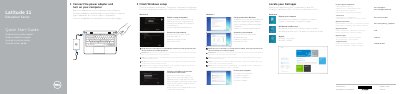
This guide provides initial setup steps for the Dell Latitude 11 Education Series computer, including connecting power, completing Windows setup, enabling security and updates, connecting to a network, signing in, locating Dell apps, registering the computer, and using Dell Backup and Recovery.
It also identifies 21 numbered hardware features and points to Dell support, manuals, contact information, and regulatory details for the computer model Latitude 11-3150.
| Regulatory model | P21T |
|---|---|
| Regulatory type | P21T001 |
| Computer model | Latitude 11-3150 |
The guide directs users to dell.com/support/manuals for the Owner's Manual.
The guide lists the computer model as Latitude 11-3150.
The Features section identifies 21 numbered items.