
Dell 9P33 Laptop Quick Start Guide

Dell Laptop Quick Start Guide
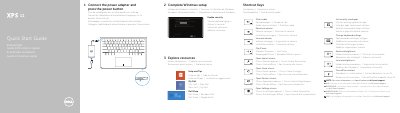

Dell 9P33 Laptop Quick Start Guide - cover page
Brand
DELL
Category
Laptops
Document type
Quick Start Guide
Language
English
Pages
2
File format
PDF
File size
166 KB
Published
24 November, 2023
Updated
24 November, 2023
MD5 checksum
515685DC696103AB563D0F323A1B4AFA

About this manual

The Dell 9P33 is a versatile device that supports multiple modes, including Notebook, Tablet, Tent, and Tablet Stand. This guide provides essential instructions for first-time setup and hardware identification.

Users can find information on connecting the power adapter, completing Windows setup, and utilizing various shortcut keys for audio, brightness, and wireless connectivity.

What's inside

  • Connect the power adapter
  • Complete Windows setup
  • Enable security
  • Explore resources
  • Shortcut Keys
  • Features
  • Modes

Specifications

Computer model9P33
Regulatory modelP16T
Regulatory typeP16T001

Frequently asked questions

What is the second step in the initial setup?

Complete Windows setup.

What is item 17 on the computer?

Item 17 is the HDMI port.

How do you turn wireless off or on?

Turn off/on wireless.

Download PDF (166 KB)

More DELL Manuals


View all DELL manuals →