
Dell Latitude 12 7000 Series Notebook Quick Start Guide
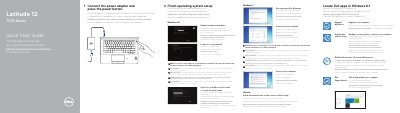
This quick start guide covers connecting the power adapter, pressing the power button, locating Dell apps in Windows 8.1, registering the device, and using Dell Backup and Recovery, Dell Data Protection | Protected Workspace, and Dell SupportAssist. It also explains finishing operating system setup for Windows 8.1, Windows 7, and Ubuntu.
The guide includes a labeled features diagram for ports and components, plus product support links, contact information, and regulatory details. The listed computer model is Latitude 12-7270/E7270, with regulatory model P26S and regulatory type P26S001.
| USB 3.0 connectors | 2 |
|---|
Enter the password for the wireless network access when prompted.
Follow the instructions on the screen to finish setup.
Use Dell.com/support and Dell.com/support/manuals.