
The Dell Latitude 14 7000 Series Quick Start Guide provides information on how to set up and use your Dell Latitude 14 7000 Series laptop.
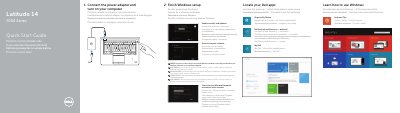
This quick start guide provides initial setup steps for the Dell Latitude 14 7000 Series (Latitude 7450/E7450), including connecting power, completing Windows setup, locating Dell apps, registering the device, and connecting to a network.
It also labels the computer's features, such as USB 3.0 connectors, HDMI, Mini-DisplayPort, optional smart-card and fingerprint readers, and other ports and controls.
| USB 3.0 connector with PowerShare | Listed |
|---|---|
| Contactless smart-card reader / NFC reader | Optional |
| Fingerprint reader | Optional |
| Smart card reader | Optional |
| Dock connector | Optional |
| Memory card reader | Listed |
Connect the power adapter and turn on the computer.
No, the fingerprint reader is optional.
Yes, a USB 3.0 connector with PowerShare is listed among the features.