
Dell OptiPlex 3050 SFF Quick Start Guide

OptiPlex 3050 Small Form Factor Desktop Quick Start Guide
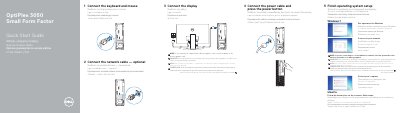

Dell OptiPlex 3050 SFF Quick Start Guide - cover page
Brand
DELL
Category
Desktops
Document type
Quick Start Guide
Language
English
Pages
2
File format
PDF
File size
404 KB
Published
22 November, 2023
Updated
22 November, 2023
MD5 checksum
BF15DCFA6EB275DA2BD4C529C432729C

About this manual

This guide provides quick start instructions for the Dell OptiPlex 3050 Small Form Factor desktop computer. It covers connecting essential peripherals such as the keyboard, mouse, display, and network cable, as well as powering on the device.

What's inside

  • Connect the keyboard and mouse
  • Connect the network cable
  • Connect the display
  • Connect the power cable
  • Finish operating system setup
  • Connect to your network
  • Protect your computer
  • Features
  • Regulatory and safety

Specifications

Product ModelOptiPlex 3050 SFF

Frequently asked questions

Where should I connect the display if I have a discrete graphics card?

Connect the display to the discrete graphics card.

What should I do if I am connecting to a secured wireless network?

Enter the password for the wireless network access when prompted.

Download PDF (404 KB)

More DELL Manuals


View all DELL manuals →