
Dell Wyse Zero Client Wyse 1010 Quick Start Guide
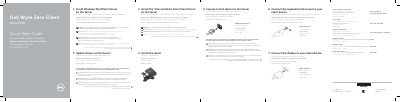
This guide covers installing Windows MultiPoint Server, updating and installing zero client drivers, connecting the Wyse 1010 to the server, and configuring the client device.
It also describes the device features, including its power, network, VGA, USB, audio, and security connections, along with setup notes.
| Power input | +5V DC |
|---|---|
| Network port | 10/100/1000 Base-T |
| VGA port | VGA |
| USB ports | USB 2.0 (4x) |
| Microphone input | Microphone in jack |
| Audio output | Audio out jack |
| Security slot | Security-cable slot |
| Reset button | Reset button |
It recycles the E03 to the initial power-on state.
No; not all USB devices are supported.
When the client device activity light goes off.
No; they must all be either USB-connected or Ethernet-connected zero clients.