
Quick Start Guide for Dell Latitude 14 5000 Series E5470 Laptop.
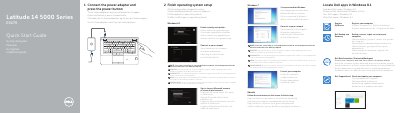
This multilingual Quick Start Guide is for the Dell Latitude 14 5000 Series E5470 laptop. It explains how to connect the power adapter, finish operating system setup, enable security and updates, connect to a network, sign in to a Microsoft account, and locate Dell apps in Windows 8.1. It also covers device registration, Dell Backup and Recovery, Dell Data Protection, Dell SupportAssist, and Ubuntu setup.
The guide lists system features such as network, VGA, HDMI, and USB 3.0 connectors, an SD memory-card reader, smart-card readers, and a touch fingerprint reader. It includes product support links, Dell contact information, and regulatory details showing regulatory model P62G, regulatory type P62G001, and computer model Latitude E5470, printed in China in July 2016.
| Computer model | Latitude E5470 |
|---|
Connect the power adapter and press the power button.
Enter the password for the wireless network access when prompted.
It backs up, recovers, repairs, or restores your computer.