
Inspiron 15 3000 Series Quick Start Guide.
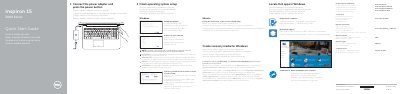
This multilingual quick start guide helps users set up the Dell Inspiron 15-3552 laptop. It covers connecting the power adapter, turning on the computer, completing Windows or Ubuntu setup, enabling Dell updates, connecting to a network, and signing in to a Microsoft account.
The document also shows feature locations such as the microphone, camera, ports, and buttons, lists shortcut key functions, and provides links to Dell product support, manuals, and recovery media creation.
| HDMI port | Included |
|---|---|
| USB 3.0 port | Included |
| USB 2.0 ports | 2 |
Connect the power adapter and press the power button.
In Windows search, type Recovery, click Create a recovery media, and follow the on-screen instructions.
Visit Dell.com/support, Dell.com/support/manuals, Dell.com/support/windows, or Dell.com/support/linux.