
Inspiron 15 3000 Series Notebook Quick Start Guide.
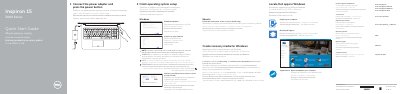
This document serves as a Quick Start Guide for the Dell Inspiron 15-3552 notebook. It outlines the initial steps required to connect the power adapter, press the power button, and complete the operating system setup, including enabling Dell updates and connecting to a network. The guide also provides instructions for creating recovery media and registering the computer.
Connect the power adapter and press the power button.
It is in the battery bay.
In Windows search, type Recovery, click Create a recovery media, and follow the instructions on the screen.
Use the Turn off/on wireless shortcut.