
Dell Inspiron 15-3552 Laptop Quick Start Guide
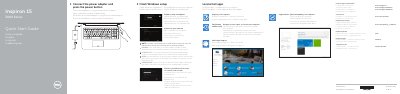
This quick start guide covers initial setup for the Dell Inspiron 15-3552, including connecting the power adapter, finishing Windows setup, enabling security and updates, connecting to a network, signing in to a Microsoft account, and locating Dell apps.
It also identifies the computer's features and shortcut keys, and directs readers to Dell.com/support for more specifications.
| USB 2.0 ports | 2 |
|---|---|
| USB 3.0 port | 1 |
Enter the password for the wireless network access when prompted.
See Specifications at Dell.com/support.