
Dell Inspiron 15-5558 and Inspiron 15-5551 Notebook Quick Start Guide.
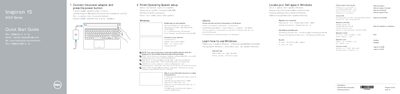
The Dell Inspiron 15-5558 and Inspiron 15-5551 notebook quick start guide describes features for the notebook. It lists camera, microphone, port, battery, input area, and power details, followed by shortcut keys for audio, volume, playback, display, search, keyboard backlight, and wireless controls. A note directs users to Specifications at dell.com/support for more information.
The guide lists a camera and a camera-status light, plus a left microphone that is only on the Inspiron 15-5558.
The shortcut keys cover mute audio, volume, playback, display, search, keyboard backlight, and wireless controls.