
Inspiron 15-5558 Notebook Quick Start Guide
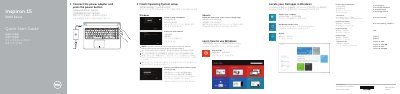
This Quick Start Guide is for the Dell Inspiron 15-5558 notebook and covers the initial setup steps, including connecting the power adapter, pressing the power button, and finishing operating system setup for Windows or Ubuntu.
It also shows the computer's features and ports, such as USB 3.0, USB 2.0, HDMI, and the media-card reader, and lists shortcut keys for audio, display, wireless, and power functions.
| USB 3.0 port | 1 |
|---|---|
| USB 2.0 ports | 2 |
Connect the power adapter and press the power button.
Enter the password for the wireless network access when prompted.
See Specifications at dell.com/support.
The network port is available on Inspiron 15-5558 only.