
The Dell™ Inspiron™ 1546 Service Manual provides information on how to remove and replace the internal components of your computer.
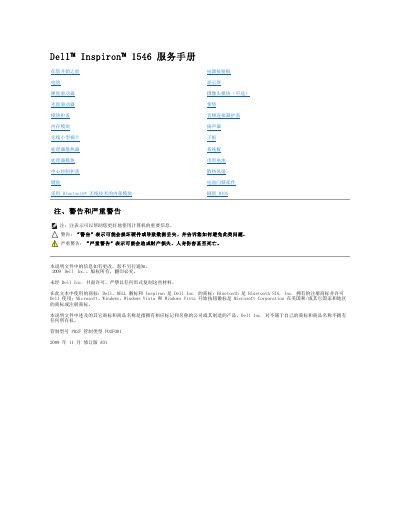
This document is a service manual for the Dell Inspiron 1546 laptop. It provides detailed instructions for certified repair technicians on how to safely remove and install various internal components, including the battery, hard drive, memory modules, keyboard, and Bluetooth module. The manual emphasizes safety precautions, such as discharging residual power and using anti-static measures, before beginning any disassembly. This manual is written in Chinese.
You may need a small flathead screwdriver, a Phillips screwdriver, a plastic spudger, and a BIOS update utility.
Four fixed screws are used to secure the module cover to the computer base.
The service tag is located on the bottom of the computer.