
Inspiron 15 5000 Series Quick Start Guide.
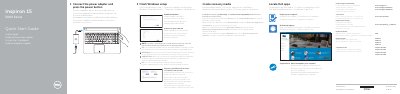
This Dell Inspiron 15 5000 Series Quick Start Guide gives basic help for starting and setting up the computer. It says to connect the power adapter and press the power button, then finish Windows setup, register the computer, enable Dell updates, connect to the network, and sign in to a Microsoft or local account.
The guide also lists features and shortcut keys. The features include microphones, camera, ports, media-card reader, lights, input areas, headset port, optical drive, security slot, power button, regulatory label, battery, and release latch. Shortcut keys include mute audio, volume, playback, display, keyboard backlight, wireless, and sleep controls.
Connect the power adapter and press the power button.
Enter the password for the wireless network access when prompted.
Sign in to your Microsoft account or create a local account.