
Inspiron 15 5000 Series Notebook Quick Start Guide
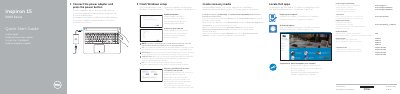
This Dell quick start guide helps users set up the Inspiron 15 5000 Series notebook. It covers connecting the power adapter, turning on the computer, and completing the first Windows setup.
The guide also explains how to enable Dell updates, connect to a network, sign in to a Microsoft account, and locate Dell apps. It includes a features diagram, shortcut key list, and regulatory information for Inspiron 15-5551, 15-5552, 15-5555, and 15-5558 models.
| USB 2.0 ports | 2 |
|---|---|
| Video port | HDMI port |
| Network port | Inspiron 15-5558 and Inspiron 15-5555 only |
| Card reader | Media-card reader |
In Windows search, type Recovery, click Create a recovery media, and follow the instructions on the screen.
Only Inspiron 15-5558 and Inspiron 15-5555 include these features.