
Dell Inspiron 15 5000 Series Quick Start Guide.
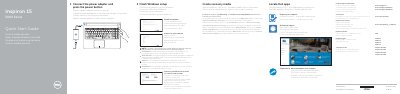
This quick start guide provides initial setup instructions for Dell Inspiron 15 5000 Series laptops, including connecting the power adapter, completing Windows setup, enabling Dell updates, connecting to a network, and signing in with a Microsoft account. It also directs users to product support, regulatory information, Dell apps, and recovery media creation.
The guide includes a detailed features diagram labeling ports, buttons, and components such as microphones, camera, HDMI, USB ports, media-card reader, optical drive, battery, and service tag. It also lists shortcut keys for audio control, display switching, search, keyboard backlight, brightness, Fn-key lock, wireless toggle, sleep, and indicator light switching.
Connect the power adapter and press the power button.
In Windows search, type Recovery, click Create a recovery media, and follow the on-screen instructions.
Visit Dell.com/support or Dell.com/support/manuals for product support and manuals.