
This document describes how to set up Windows.
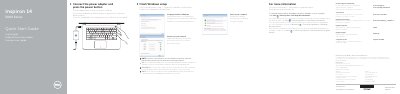
This document serves as a Quick Start Guide for the Dell Inspiron 14 5000 Series laptop. It provides instructions for finishing the Windows setup, including connecting the power adapter and setting up a password. The guide also explains how to connect to a network and access Dell Help Documentation for advanced options.
Connect the power adapter and press the power button.
The computer requires a voltage of 100 V CA–240 V CA.
The computer has two USB 2.0 ports.