
The document provides a quick start guide for Dell laptop.
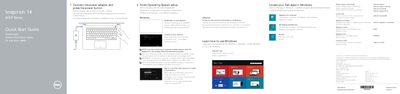
This multilingual quick start guide identifies the shortcut keys and numbered features of a Dell laptop, including its ports, camera, microphones, battery, status lights, and Service Tag label. It also directs readers to Dell's support site for further specifications.
| USB 3.0 port | 1 |
|---|---|
| USB 2.0 ports | 2 |
| HDMI port | 1 |
| Network port | 1 |
| Media-card reader | 1 |
| Headset port | 1 |
| Optical drive | 1 |
| Security-cable slot | 1 |
| Keyboard backlight | Optional |
Use the mute audio shortcut key.
Use the toggle keyboard backlight shortcut key if the laptop is equipped with it.
It is listed as item 21 among the laptop features.
See Specifications at dell.com/support.