
The Dell™ Latitude™ E4300 Service Manual provides information on how to service and maintain the Dell™ Latitude™ E4300 notebook computer.
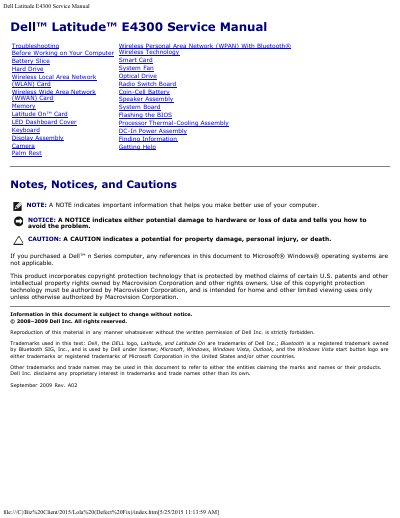
This Dell service manual provides troubleshooting and repair information for the Dell Latitude E4300 computer. It covers safety notices, power light states, diagnostic light codes, system messages, and procedures for internal components.
Components addressed include the battery slice, hard drive, memory, keyboard, display assembly, system board, processor, thermal-cooling assembly, and DC-in power assembly. The manual also describes flashing the BIOS and contacting Dell for help and support.
The computer is in standby mode.
A device may be malfunctioning or incorrectly installed.
Remove and reinstall memory modules one at a time to identify a faulty module.