
The Dell Latitude 14 5000 Series Notebook Quick Start Guide.
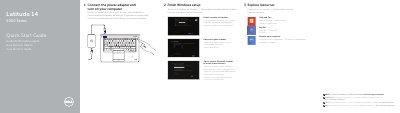
This Quick Start Guide covers the essential steps to get your Dell Latitude 14 5000 Series notebook running. It instructs users on how to connect the power adapter, turn on the computer, and complete the Windows setup process. The guide also details how to enable security and updates, connect to a network, and sign in to a Microsoft account or create a local account.
| Input Voltage | 100 V CA–240 V CA |
|---|---|
| Input Current (max) | 1.7 A |
| Input Frequency | 50 Hz–60 Hz |
| Output Voltage | 19.5 +/- 1 VCC |
| Regulatory Model | P48G |
For more information, see the Owner's Manual at dell.com/support/manuals.
The regulatory model number is P48G.