
This document describes how to set up Windows.
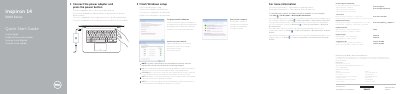
This guide provides step-by-step instructions for completing Windows setup on the Dell Inspiron 14 5000 Series, including connecting the power adapter, setting a password, and connecting to a network. It also includes safety information and links to Dell support resources.
The document illustrates the laptop's features with labeled diagrams showing ports, buttons, and components for both the Inspiron 14-5458 and 14-5451 models. A shortcut key table explains function key combinations for audio, display, brightness, wireless, and power management.
| Input voltage | 100-240 V AC |
|---|---|
| Input frequency | 50-60 Hz |
| Input current | 1.30 A / 1.60 A / 1.70 A |
| Output voltage | 19.5 V DC |
| Output current | 2.31 A / 3.34 A |
| Country of origin | China |
To set up a password for Windows, connect the power adapter and press the power button.
The input voltage range is 100 V CA–240 V CA.
The input frequency range is 50 Hz–60 Hz.