
The Dell Latitude 5490 Quick Start Guide provides information on how to use the Dell Latitude 5490 laptop.
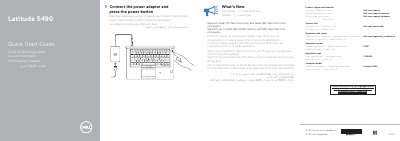
The guide instructs users to connect the power adapter and press the power button to start the Dell Latitude 5490. It provides links to product support, manuals, Windows support, and contact information, along with regulatory compliance details including regulatory model P72G and regulatory type P72G002. The computer model is identified as Latitude -5490 and the document notes support for dual-core 7th Generation and quad-core 8th Generation Intel Core processors with up to 2400 MHz DDR4 memory on 8th Generation models.
A detailed features section lists 29 hardware components and ports, including network port, HDMI, USB 3.1 Gen 1 ports (one with PowerShare), VGA, DisplayPort over USB Type-C, micro-SIM card slot, smart card reader, SD card reader, optional infrared camera and emitter, fingerprint reader, contactless card reader, Noble Wedge lock slot, and various status LEDs. Many features are marked as optional.
| Processor support | Dual-core 7th Gen Intel Core and quad-core 8th Gen Intel Core |
|---|---|
| Memory support | Up to 2400 MHz DDR4 with 8th Gen Intel Core processors |
Connect the power adapter and press the power button.
Visit Dell.com/support for product support and Dell.com/support/manuals for manuals.
It supports dual-core 7th Generation Intel Core and quad-core 8th Generation Intel Core processors.