
Quick start guide for Cisco Mini-GBIC SFP transceivers covering installation, connection, removal, and compatibility.
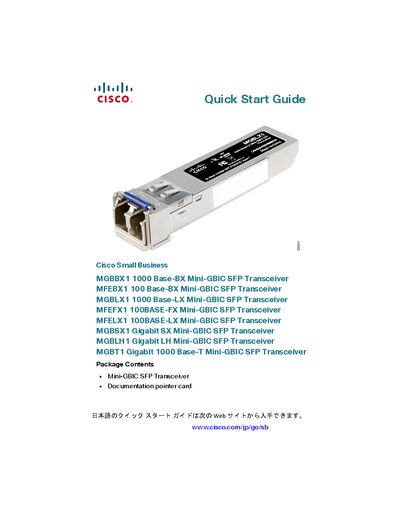
This guide provides step‑by‑step instructions for installing, connecting, and removing Cisco Mini‑GBIC SFP transceiver modules (MGBBX1, MFEBX1, MGBLX1, MFEFX1, MFELX1, MGBSX1, MGBLH1, MGBT1). It also lists supported switch models and downstream SFP part numbers.
Safety warnings remind users that optical SFPs emit invisible laser radiation and that ports should be covered when no fiber cable is attached. The document includes a compatibility table for Cisco Small Business switches and a brief section on manually configuring 100 M SFP modules.
| MGBBX1 Data Rate | 1000Base‑BX |
|---|---|
| MFEBX1 Data Rate | 100Base‑BX |
| MGBLX1 Data Rate | 1000Base‑LX |
| MGBT1 Interface | Gigabit 1000Base‑T |
Insert the module with the printed side up and the rubber port cap facing out, remove the cap, then connect the fiber or RJ‑45 cable as appropriate.
Use the Cisco GLC‑BX‑D as the downstream SFP for the MGBBX1.