
Product manual for the Cisco Catalyst 2960‑L series switches, covering features, specifications, installation and support details.
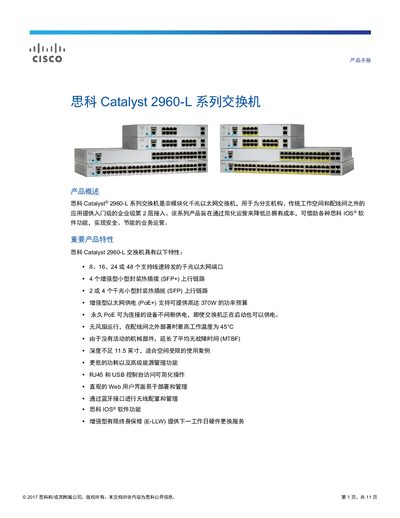
The Cisco Catalyst 2960‑L series are non‑modular Gigabit Ethernet switches designed for branch offices, traditional workspaces and wiring closets. They provide entry‑level enterprise Layer 2 access with options for 8, 16, 24 or 48 ports, PoE/PoE+ power, fan‑less operation and a compact form factor.
The manual includes detailed hardware configurations, security features, QoS, power management, network management tools, technical specifications, warranty information and a list of compatible accessories. This manual is written in Chinese.
| Number of Ethernet ports | 8, 16, 24, or 48 |
|---|---|
| PoE+ power budget (max) | 370 W |
| Switching capacity (forwarding bandwidth) | 10 Gbps – 64 Gbps (depending on model) |
| MTBF (non‑PoE) | ≈ 2.4 million hours |
| Operating temperature (fan‑less) | Up to 45 °C |
The 24‑port model provides 24 Gigabit Ethernet ports.
The 48‑port PoE+ model supports a maximum PoE+ power budget of 370 W.
Yes, the switch is fan‑less and can operate up to 45 °C in wiring closets.