
The Cerbo GX is a multifunctional device that can be connected to various Victron products and provides control and monitoring of these products. It can be connected to the internet via Ethernet, Wi-Fi, GSM or 3G/4G.
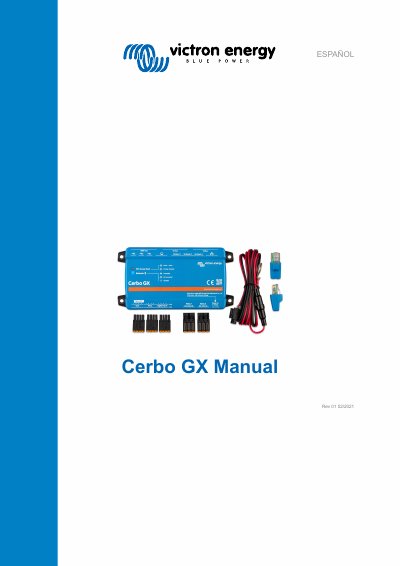
The Victron Cerbo GX is a central control unit for energy systems, ensuring all components like inverters, chargers, and batteries work in harmony. It supports firmware updates and remote monitoring via the VRM portal and an optional GX Touch display. The device runs on Venus OS and connects to various Victron products via VE.Bus, VE.Direct, VE.Can, and other interfaces. This manual is written in Spanish.
| Power Input Voltage | 8 to 70 V DC |
|---|---|
| Fused Power Cable | 3.15 A slow-blow fuse |
| Digital Inputs | 4 x Digital inputs |
| Temperature Inputs | 4 x Temperature inputs |
| Potential Free Relays | 2 x Potential Free Relays |
| USB Ports | 3 x USB ports |
| Operating System | Venus OS |
The Cerbo GX is a central control unit for energy systems that ensures all components work in harmony.
Yes, firmware updates can be performed remotely using an Internet connection and the VRM portal.
It may cause a lockout where neither the Cerbo GX nor the VE.Bus products will start until the connection is briefly unplugged.
Not necessarily; the Cerbo GX can calculate the state of charge (SoC) using various methods, including VE.Bus or external sensors.