
This document is the manual of BMV-700 battery monitor, introduces the product's features, installation, configuration and usage methods
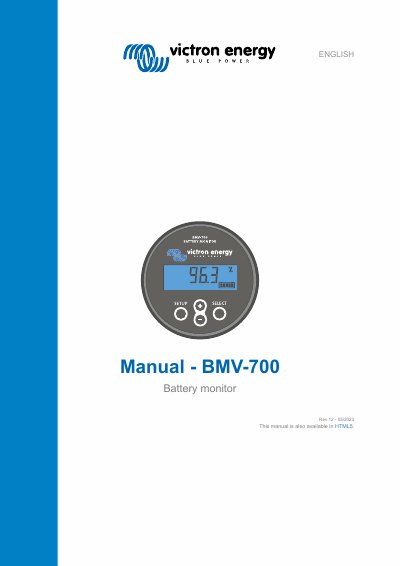
This manual provides instructions for the Victron BMV-700 battery monitor, a device that measures battery voltage and current to calculate state of charge and time-to-go. It details the use of the included 500A shunt and the head unit, which can be configured via the device display or the VictronConnect app using Bluetooth or USB connections.
| Shunt rating | 500A |
|---|---|
| Maximum shunt rating | 9999A |
| Operating temperature | -40°C to +60°C |
| Shunt IP rating | IP21 |
You can connect via Bluetooth using an optional VE.Direct Bluetooth Smart dongle, or via USB using an optional VE.Direct to USB interface.
Yes, it is possible to use the battery monitor with larger shunts all the way up to 9999A.
Never smoke or allow a spark or flame in the vicinity of a battery, and provide sufficient ventilation.