
This is the Cerbo GX user manual, which details the product features, installation methods and connection methods of Cerbo GX
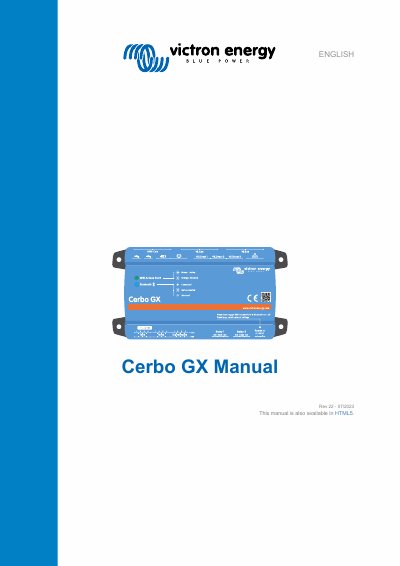
This manual provides comprehensive instructions for the Victron Cerbo GX, a central control unit for energy management systems. It details safety precautions, physical installation, and connection methods for various Victron products such as inverters, battery monitors, and solar chargers via VE.Bus, VE.Can, and RS485 interfaces. The guide also covers connecting third-party devices like GPS units and tank level sensors.
| Document Version | Rev 22 |
|---|---|
| Publication Date | 07/2023 |
Yes, the manual addresses this specific compatibility question in the FAQ section.
The manual includes a specific FAQ entry regarding connecting multiple Cerbo GX units to a single inverter system.
The manual provides a specific troubleshooting section that lists and explains Error #42.