
This manual introduces the features and functions of the Blue Smart IP65 charger, including safety instructions, quick start guide, features, operation, setup, monitoring, advanced configuration and technical specifications.
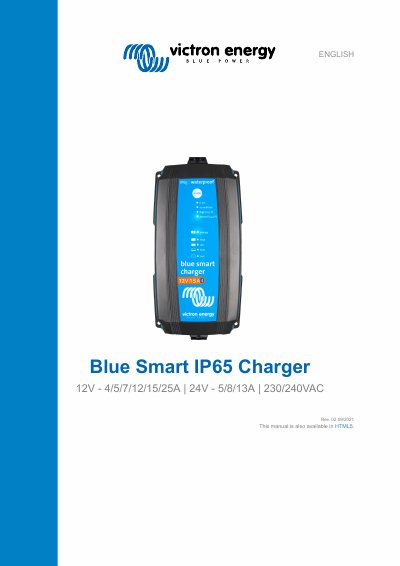
The Victron Blue Smart IP65 Charger is a battery charger available in 12V and 24V models with various current ratings and 230/240VAC input. It features Bluetooth setup and monitoring through the VictronConnect app, a multi-stage charge algorithm, and compatibility with flooded lead-acid, AGM, Gel, and lithium batteries.
The manual covers safety instructions, quick start, features, operation, setup using the MODE button and VictronConnect, monitoring screens, advanced configuration, technical specifications, and warranty information. It also describes protections against overheating, short circuit, reverse polarity, and ingress of dust and water.
| Model series | Blue Smart IP65 Charger |
|---|---|
| Input voltage | 230/240VAC |
| 12V charge current | 4/5/7/12/15/25A |
| 24V charge current | 5/8/13A |
| Efficiency | up to ~95% |
| Overheating protection threshold | 50°C |
Briefly press the MODE button to cycle through the available options.
It limits the maximum charge current to a significantly reduced level.
Yes, power supply mode powers equipment at a constant voltage with or without a battery connected.
Using the VictronConnect app and a Bluetooth enabled device such as a mobile phone or tablet.