
The Cerbo GX is a multifunctional device that can be connected to various Victron products and products from other manufacturers. It can monitor the status of batteries, solar panels, inverters and other devices. It can also control the operation of these devices.
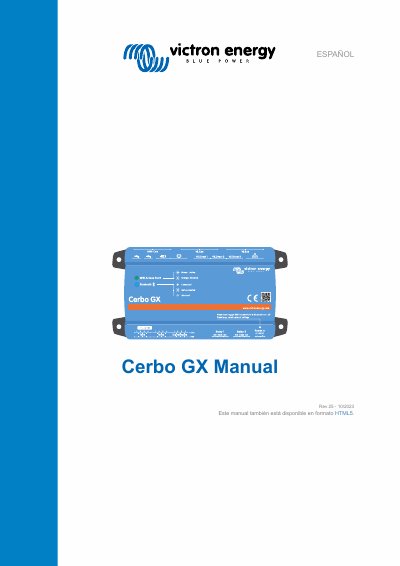
This is the Spanish-language manual for the Victron Cerbo GX, revision 25 dated 10/2023. It begins with safety instructions and an introduction, then covers installation, mounting options and accessories, power supply, GX Touch 50 and GX Touch 70, disabling touch control, and relay connections.
The manual also covers connecting Victron products and compatible third-party equipment, Internet connectivity, local and remote access, configuration, firmware updates, DVCC, the VRM portal, marine multifunction display integration via apps and NMEA 2000, RV-C, digital inputs, automatic generator start/stop, factory reset and troubleshooting. This manual is written in Spanish.
Yes. The manual covers the GX Touch 50 and GX Touch 70, including how to disable touch input control.
Yes. The manual covers generator auto start/stop, including its wiring, activation and settings menu.
Yes. The manual covers connecting tank level sensors to the GX tank inputs.