
This document describes how to set up the Lite Beam M5 antenna.
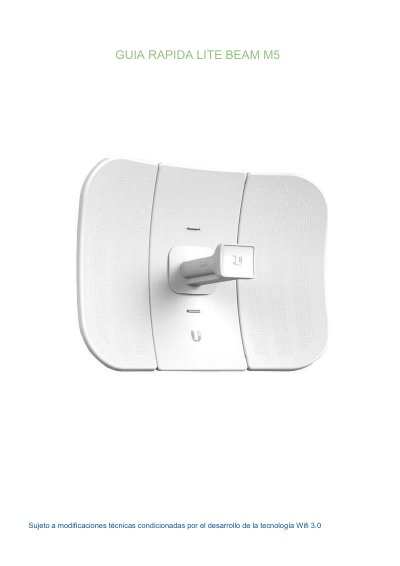
This document provides a quick setup guide for the Ubiquiti LiteBeam M5 antenna. It includes instructions for verifying connections, configuring the LAN/ethernet plate IP address, and accessing the device's web interface using the default username 'ubnt' and password 'ubnt'.
The guide details steps to configure the device as a router, manage IP settings, and adjust wireless parameters such as the country code (Argentina), frequency scan list, and EIRP control based on antenna selection and distance. This manual is written in Spanish.
| Default Username | ubnt |
|---|---|
| Default Password | ubnt |
| Default IP Address | 192.168.1.10 |
| Subnet Mask | 255.255.255.0 |
| Access IP Address | 192.168.1.20 |
| Antenna Option | 11x14(1x1)-23dBi |
The default username is 'ubnt' and the default password is 'ubnt'.
Enter the browser and access the IP 192.168.1.20 after turning on the device.
Navigate to the MAIN menu, select System, and then Wlan0 mac.